
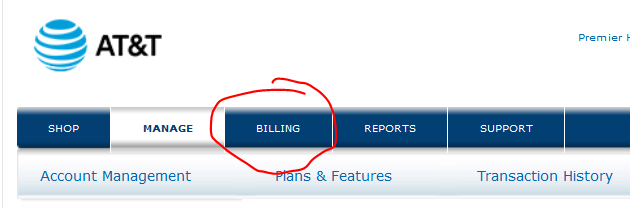
From the Premier landing page for the Account select ‘Billing’
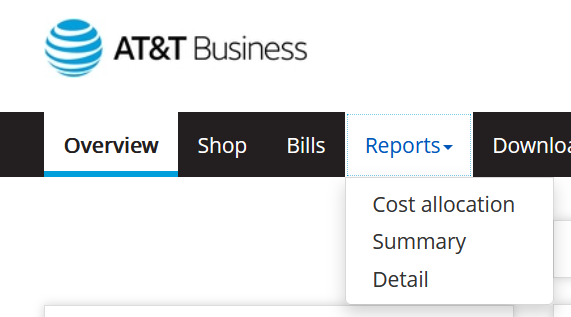
Select the ‘Reports’ drop-down and select ‘Detail’
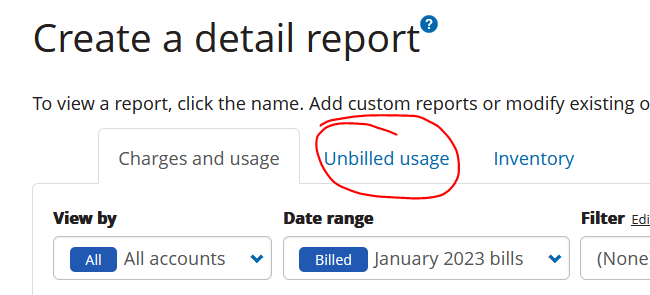
Select the ‘Unbilled usage’ tab
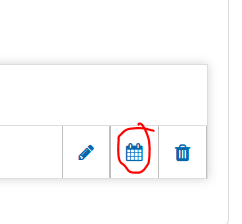
Select the calendar icon to run the report
Select ‘Submit request’ and the report will run
It will take you to the pending tab, the report will show in the Completed tab once done