Creating a Premier Account
Print
Modified on: Wed, Dec 28, 2022 at 3:56 PM
- To register a new account for Premier go to the address linked below
- https://www.wireless.att.com/businesscare/registration/self-registration-verify-user.jsp?_requestid=7157
- Enter in the email listed on the FAN profile, the FAN number, and FAN pin and select ‘Continue’
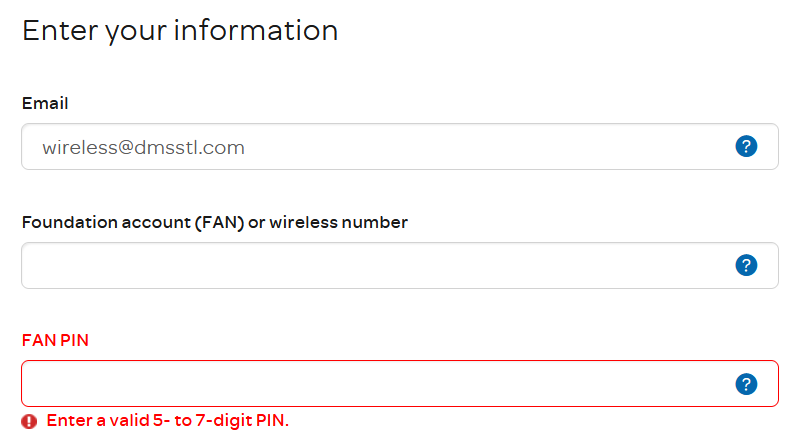
- Check the wireless box for the verification email.

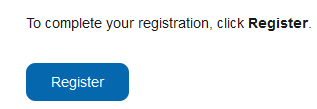
- Select ‘Register’ to create a login
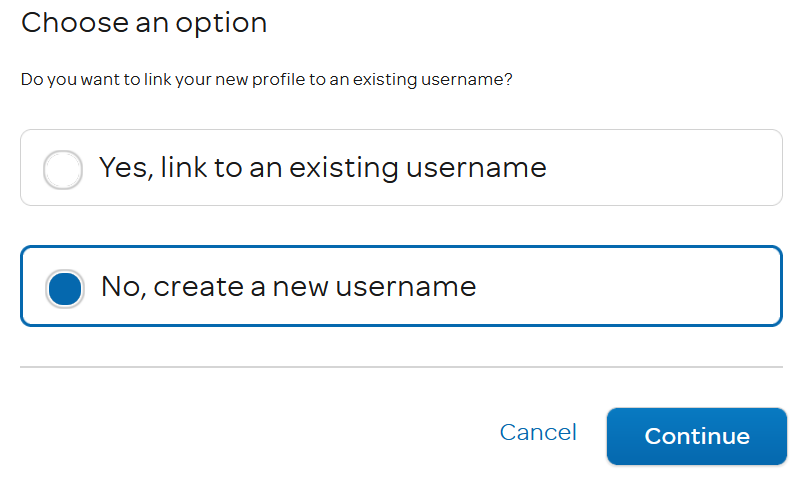
- Select ‘No, create a new username’ and ‘Continue’
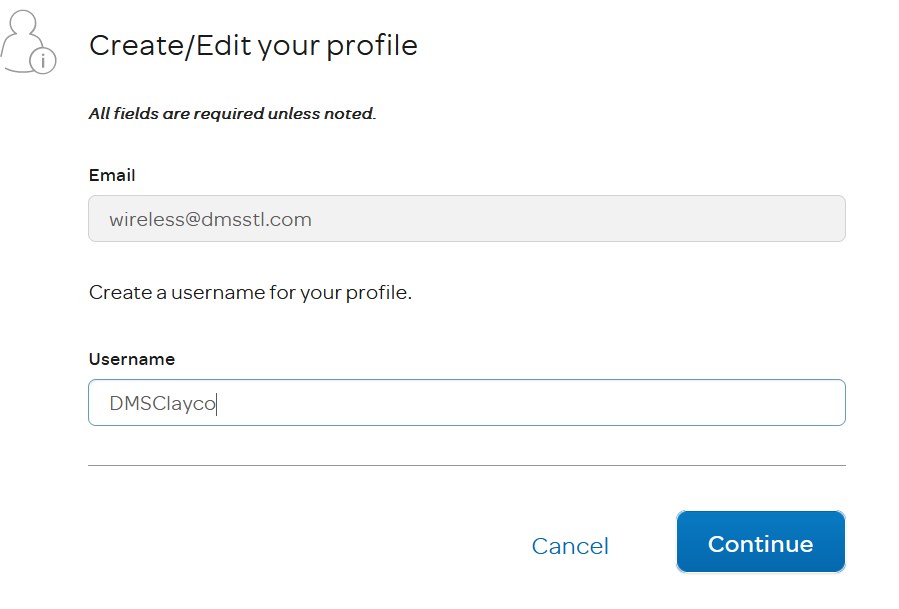
- Create a username associated with the account name (ex. DMSAccountName), select ‘Continue’
- Create a Password and add the username and password to the account’s notes in Freshdesk (PW Example: DMS2022!)
- Use Ashley’s work cell 6184061157 as the ‘Wireless number’
- User the customer’s account address for the address information
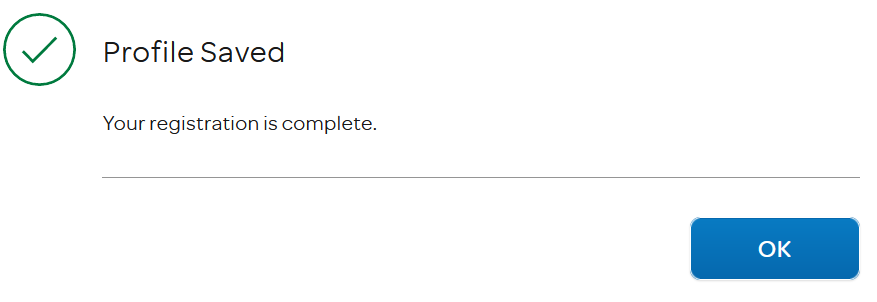
- Make sure to Select ‘Remember this device (optional)’ before selecting ‘Continue’
Did you find it helpful?
Yes
No
Send feedback Sorry we couldn't be helpful. Help us improve this article with your feedback.
